
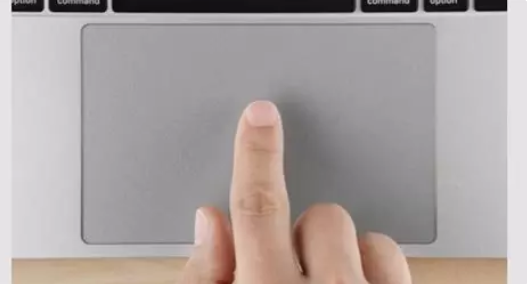
Disabling the “tap to click” feature
To disable “single finger tap to click” in Windows, click the Start/Windows button in lower left corner, then the gear/settings icon to open Control Panel. From there click Devices: Then Touchpad: Then about half way down the screen, deselect “Tap with a single finger to single-click”: You should also see the touchpad sensitivity there, in […]
1 min read