

Microsoft OneDrive

Microsoft OneDrive is a cloud service: a way to store your files online so you can access them from any device. It runs in the background, letting you use it just like any other file directory. This is great when everything’s working fine, but it can mean that if something goes wrong with OneDrive you […]

2 mins read

Choose a Default PDF Viewer

Updated 20221003 If you open a PDF on a computer running Windows 10, there’s a good chance it will launch Microsoft Edge — even if there’s another program, like Adobe, that you’d rather use. This is because Windows 10 computers come with Edge pre-installed, and Microsoft wants people to use it. However, it’s possible to […]

3 mins read

Computer Heat Management

Computer Heat Management Overheating is arguably the foremost threat to your computer’s physical integrity (right up there with spills of coffee!). Computers operate on electricity, and running electricity through anything causes it to heat up. However, computers also house numerous delicate components that do not respond well to excessive heat. While there are various methods […]

4 mins read

Working offline in Outlook

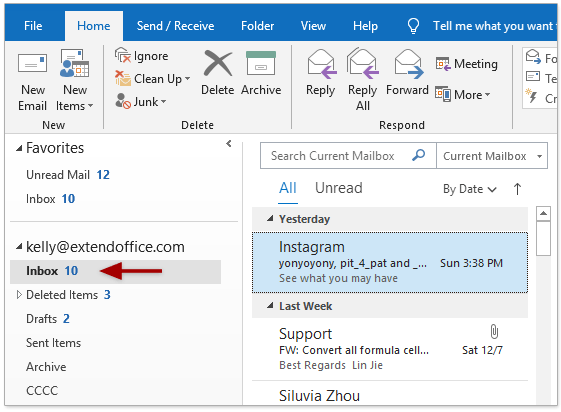
When using Outlook with a Microsoft Exchange Server or Office 365 account, a feature is available to work offline. The feature is designed to avoid connection charges or to stop Outlook from attempting to send and receive messages over a slow network. To enable working offline, Click Send/ Receive then the Work Offline button: To […]

1 min read