Skip to content

Busix Documentation

Busix Documentation

  • setup
  • maintenance
  • instructions
  • Company Tasks

Category: Clients

Total Posts: 3
Latest Post
  • instructions

Reset OneDrive to resolve sync issues

  • Resources

Download Outlook (classic)

  • Clients

Collapsing and expanding Outlook folder view

  • Resources

Remote Desktop apps

  • Clients
  • instructions
October 13, 2025October 13, 2025

Collapsing and expanding Outlook folder view

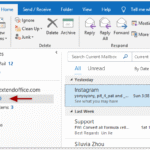
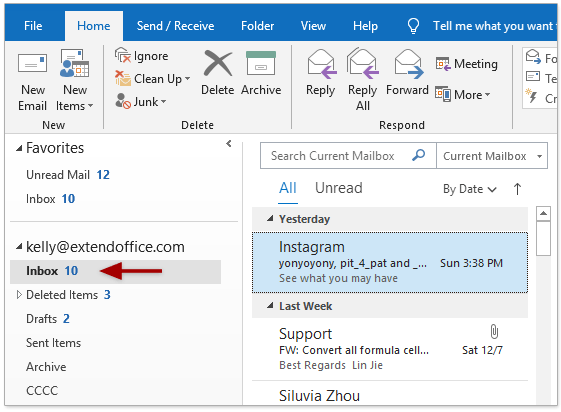
An expanded folder view is shown a floating v icon (the red circle in the picture below), a collapsed folder view is shown as a carat (the blue circle in the picture below) Clicking either of the icons that are circled will either collapse or expand the folder. This applies to any folder or sub […]

Continue Reading
1 min read
  • Clients
  • instructions
August 1, 2024November 13, 2025

Sharing files with an external email address

Share a file or folder with a Guest User: 1. Use your web browser to visit https://yoursitename.sharepoint.com/ and locate the file or folder to share. NOTE: If you share a folder, you can continue to put files in that folder, and the recipient will be able to see them without you having to go through […]

Continue Reading
2 mins read
  • Clients
  • instructions
March 1, 2022November 23, 2023

Requesting Files with Microsoft OneDrive

When you need a file from someone, there are any number of ways to get it. A common one is through email, sending the file as an attachment. But email is notoriously insecure, and has a realistic file size limit of 20MB with most mail providers. Instead, you can request someone upload files directly to […]

Continue Reading
3 mins read
Proudly powered by Mystery Themes