

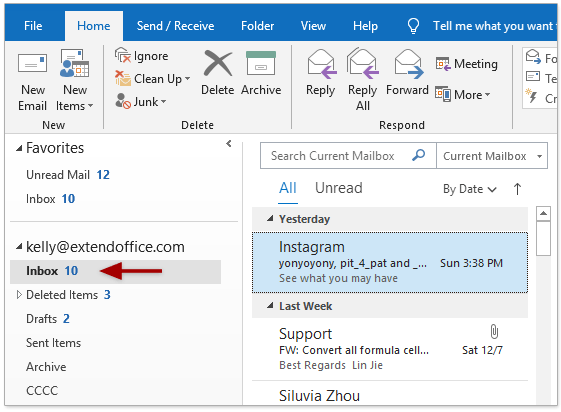
Collapsing and expanding Outlook folder view
An expanded folder view is shown a floating v icon (the red circle in the picture below), a collapsed folder view is shown as a carat (the blue circle in the picture below) Clicking either of the icons that are circled will either collapse or expand the folder. This applies to any folder or sub […]
1 min read